
Filters
Artist
Glass Mousepad


Yourplaymat: Engineered for Precision. Built to Be Yours.
Not all glass mousepad options are the same.
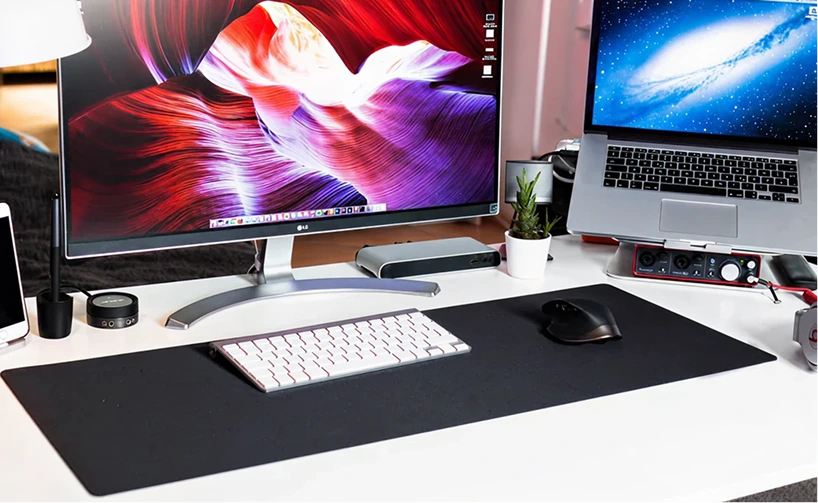
Precision Build (Not Just “Glass”)
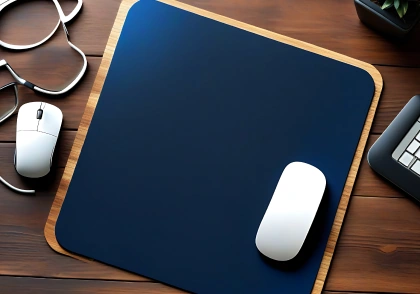
surface for smooth glide and
precise control

for durability and resistance to
daily wear
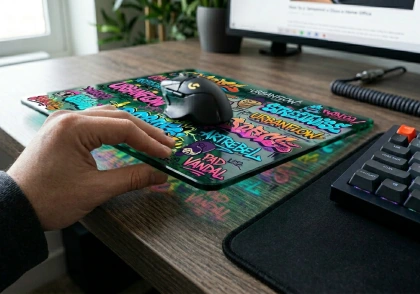
stability without adding bulk to
your desk
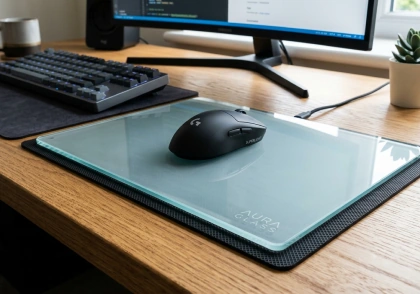
gaming sessions or focused
work
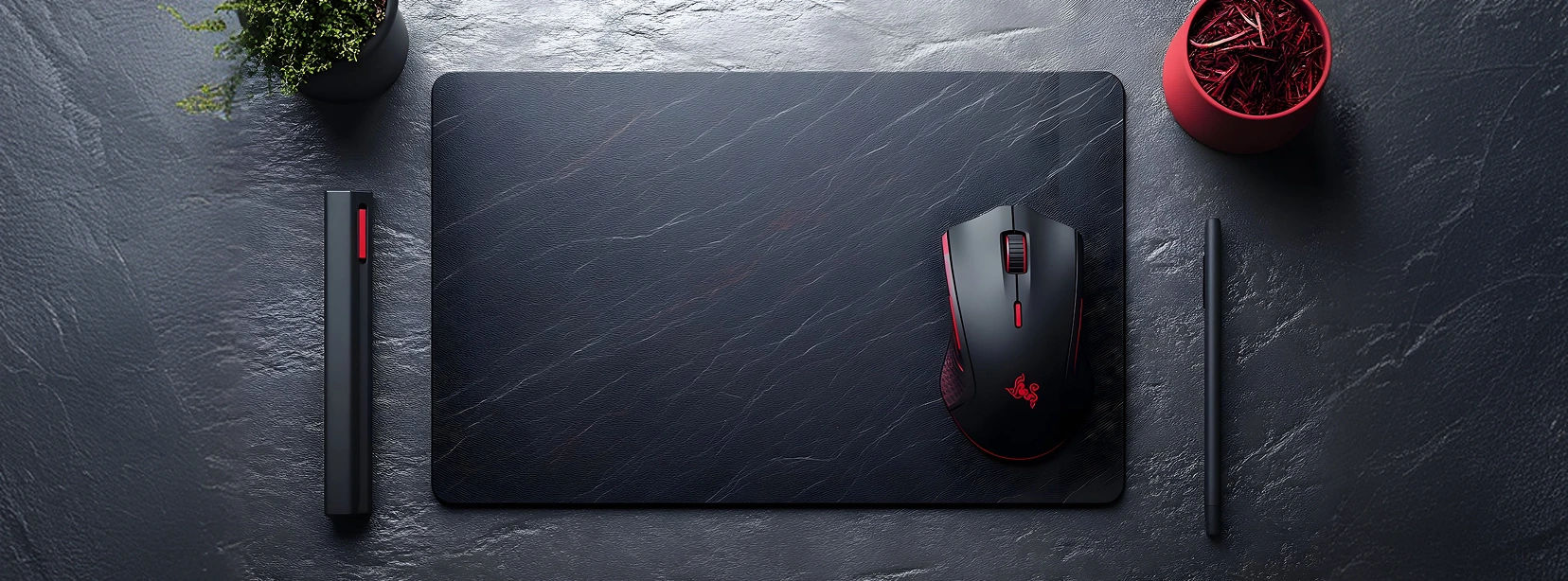
Sizes That Match Your Setup
Choose the right size based on your desk space and mouse movement style:
- 9.84" x 7.87" x 0.12"
- 11.81" x 9.84" x 0.12"
- 13.78" x 11.81" x 0.12"
- 17.72" x 15.75" x 0.12"
- 19.69" x 15.75" x 0.12"
Make It
Yours (Custom Ready)
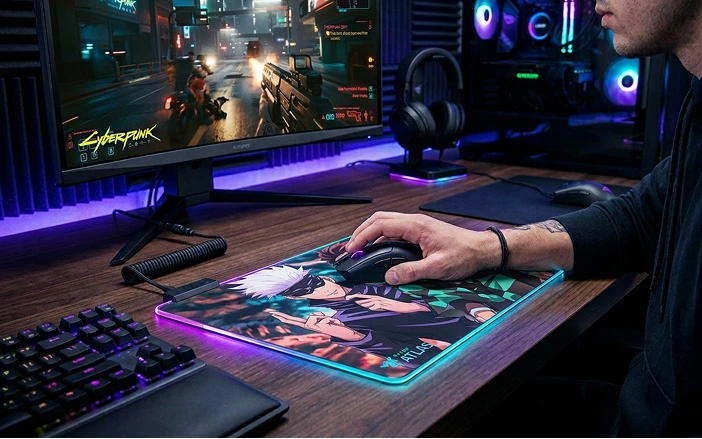
Upload your image and create a custom mousepad that matches your setup.
Add Premium Editing (+$12) to refine placement, improve quality, and ensure your final product looks clean and professional.
Performance That Stays Consistent
- Smooth glide with controlled stopping power
- Reliable tracking across the entire surface
- No humidity issues like cloth materials
- No soft spots or uneven wear over time
This glass mousepad is built for:
- Gamers who need fast, repeatable movement
- Creators working on precise edits
- Everyday users who want a clean, durable desk setup

Why This Glass Mousepad Stands Out
Most glass mouse pads:
- Use small rubber feet instead of full silicone support
- Lose control over time due to inconsistent surface finishing
- Focus on looks over real performance
This one is different:
- Full silicone base for stability and control
- Micro-etched glass layer for balanced glide and resistance
- Heat-treated durability for long-term performance
- Built as a true performance mouse pad, not just a desk accessory
Easy to Clean. Built to Last.
- Wipe clean in seconds - no buildup, no stains
- Resistant to daily wear from mouse skates
- No cloth fibers, no fraying edges, no maintenance headaches
It keeps the same smooth glide and clean look over time.
Made to Order
Each custom glass mousepad is made with precision.
Shipping: 10–15 days
Quality takes time - but the result is worth it.
Ideal for gamers, teams, brands, and large desk setups.
Bulk Orders Available
Order more and save:
Built for Work and Gaming
From intense gaming sessions to everyday work, this glass mousepad delivers consistent performance, clean aesthetics, and long-term durability - all in one surface.
FAQ – Custom Glass Mousepad
Final Word
If you want a glass mousepad that combines smooth glide, strong durability, and custom design - this is it.